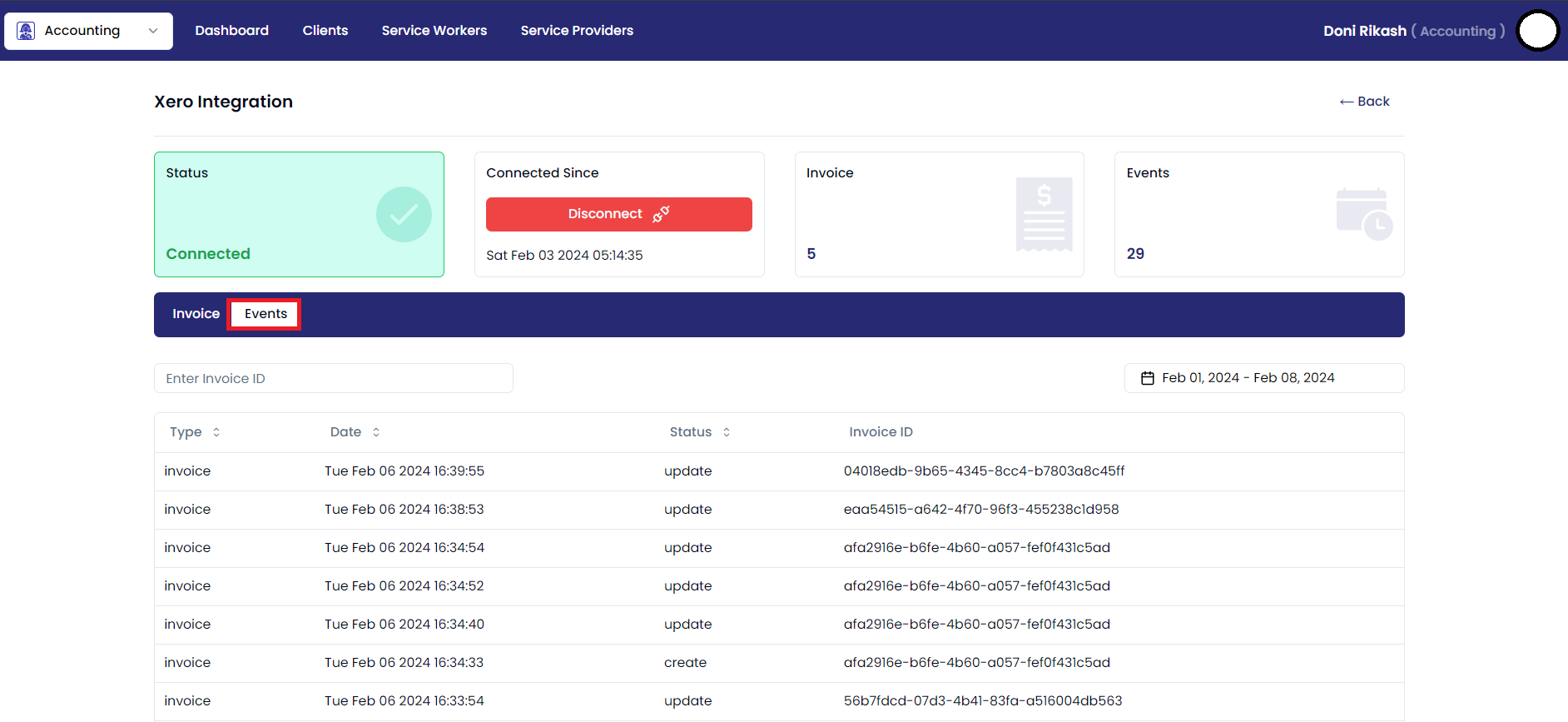
Xero Dashboard
Xero Integration Dashboard
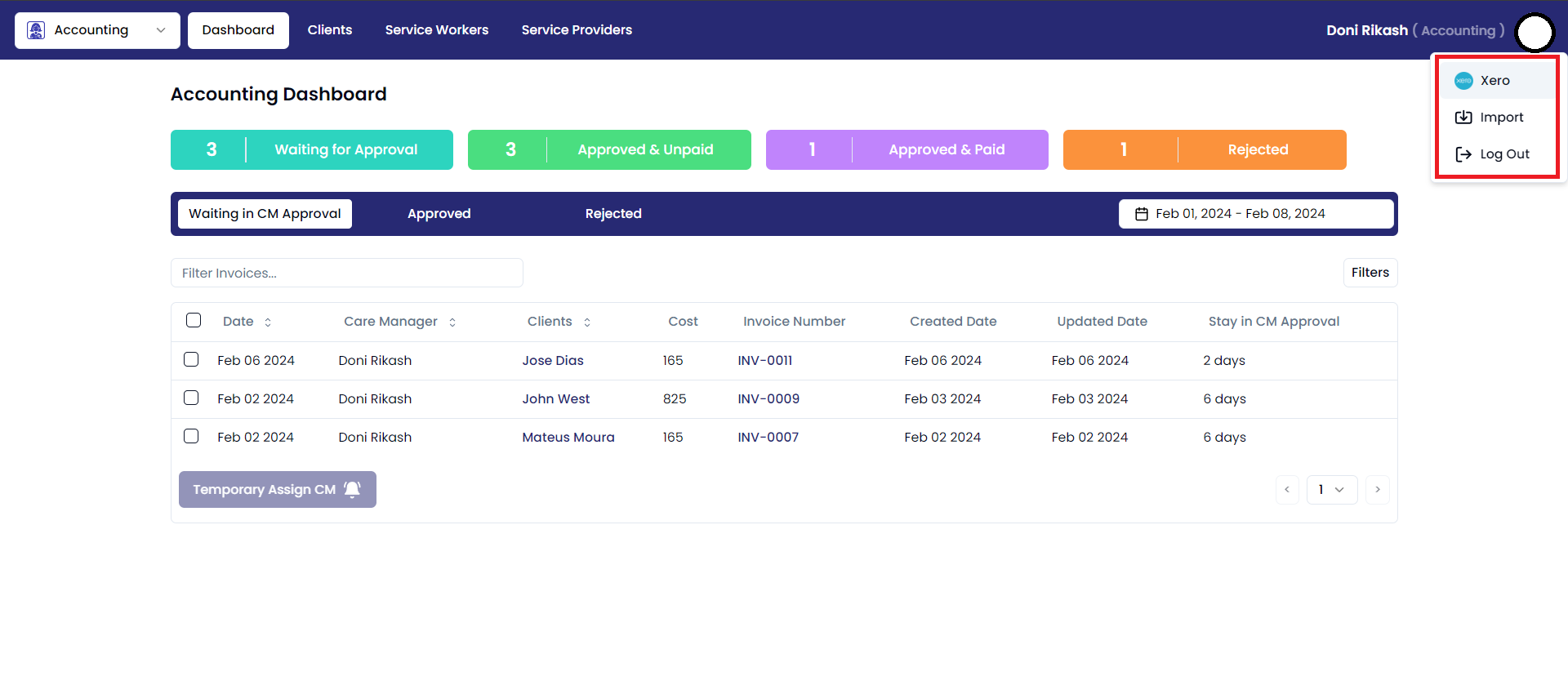
For a smooth access to Xero's features and financial data, simply connect Xero by using the designated integration available on the dashboard page.
Steps:
- Click on the user profile icon in the top right corner of the Accounting window. This will open a drop-down menu.
- In the drop-down menu, click on the "Xero" option.
- This will take you to the Xero dashboard page.
Xero Dashboard:
The Xero Integration Screen offers a comprehensive display of the Xero connection status, providing real-time updates on the integration's. Within this interface, users can easily monitor the status of their connection with Xero
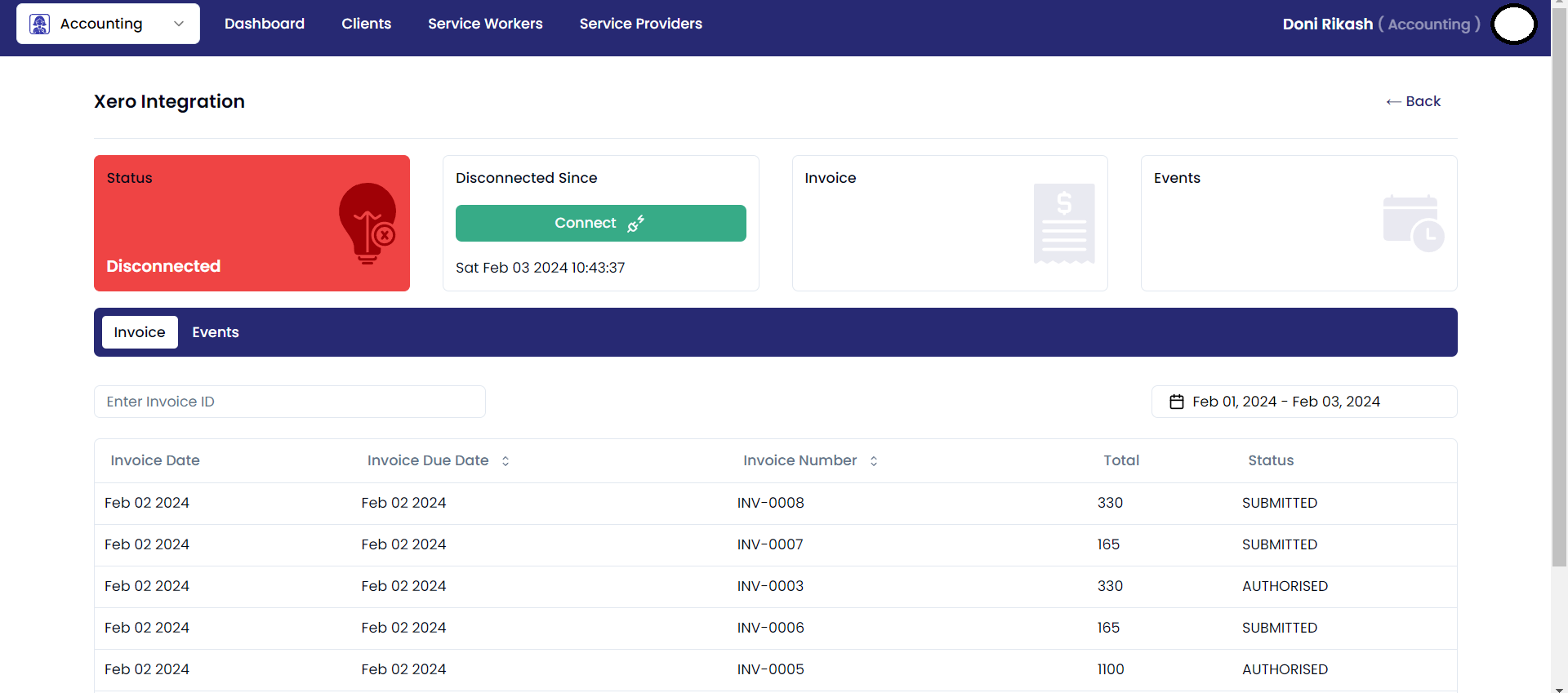
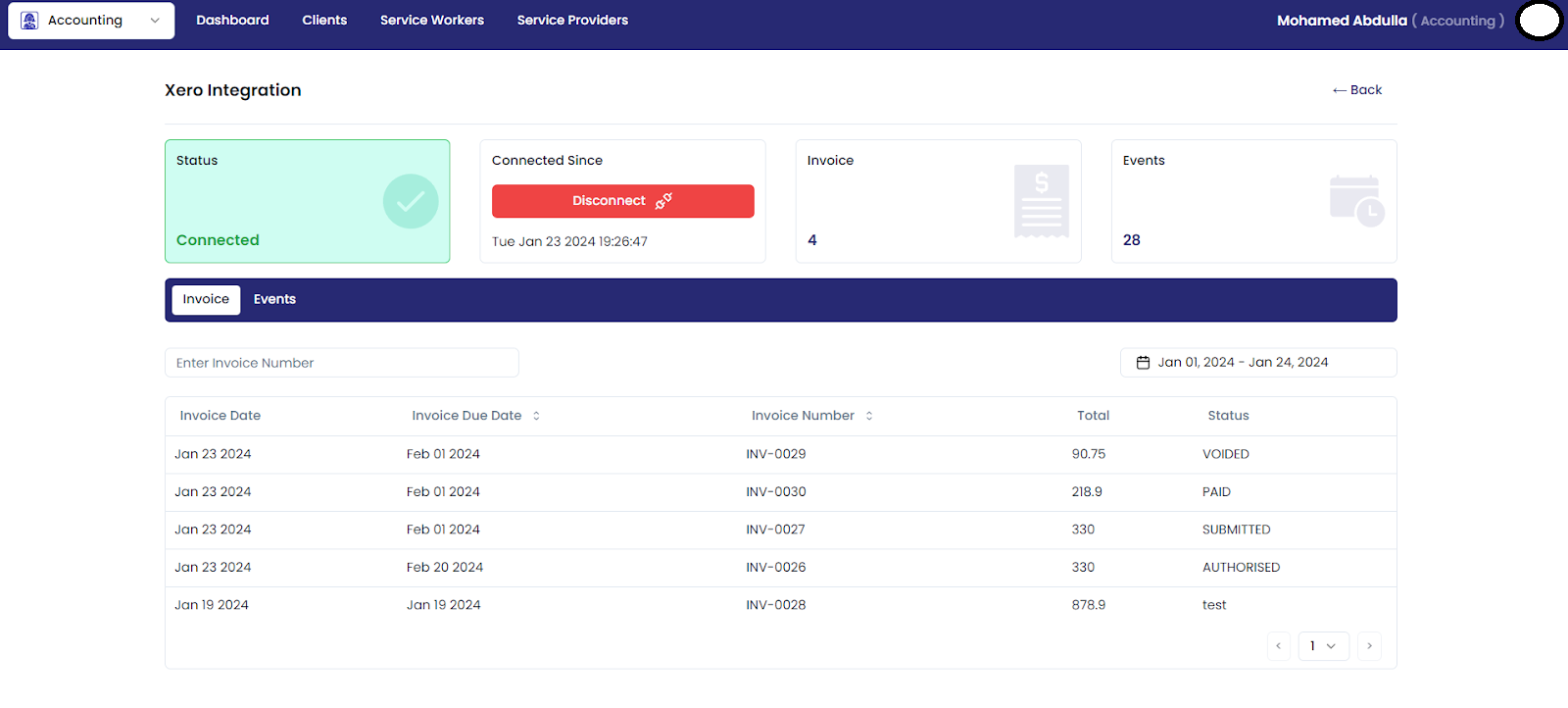
Xero Invoices:
Upon completing the secure login process, users are seamlessly redirected to the Xero invoice page.This Page offer real-time updates, providing immediate visibility into newly created invoices. This feature ensures timely and accurate tracking of financial transactions, enhancing overall efficiency.
Xero Events:
Xero Events keeps you informed in real-time – any invoice creation or update on the Xero website is seamlessly reflected on your Events page. Stay effortlessly connected to your financial activities, ensuring immediate visibility and timely tracking of all invoicing changes within the Xero platform.